Automatic floor detection
Automatically detect floors using Auto Floor mode. Quickly define your building area, generate accurate levels and streamline your workflow.
Welcome to the Pointorama video tutorials! Whether you're just getting started or refining your skills, our video guides help you make the most of Pointorama — from point cloud to professional results faster than ever.
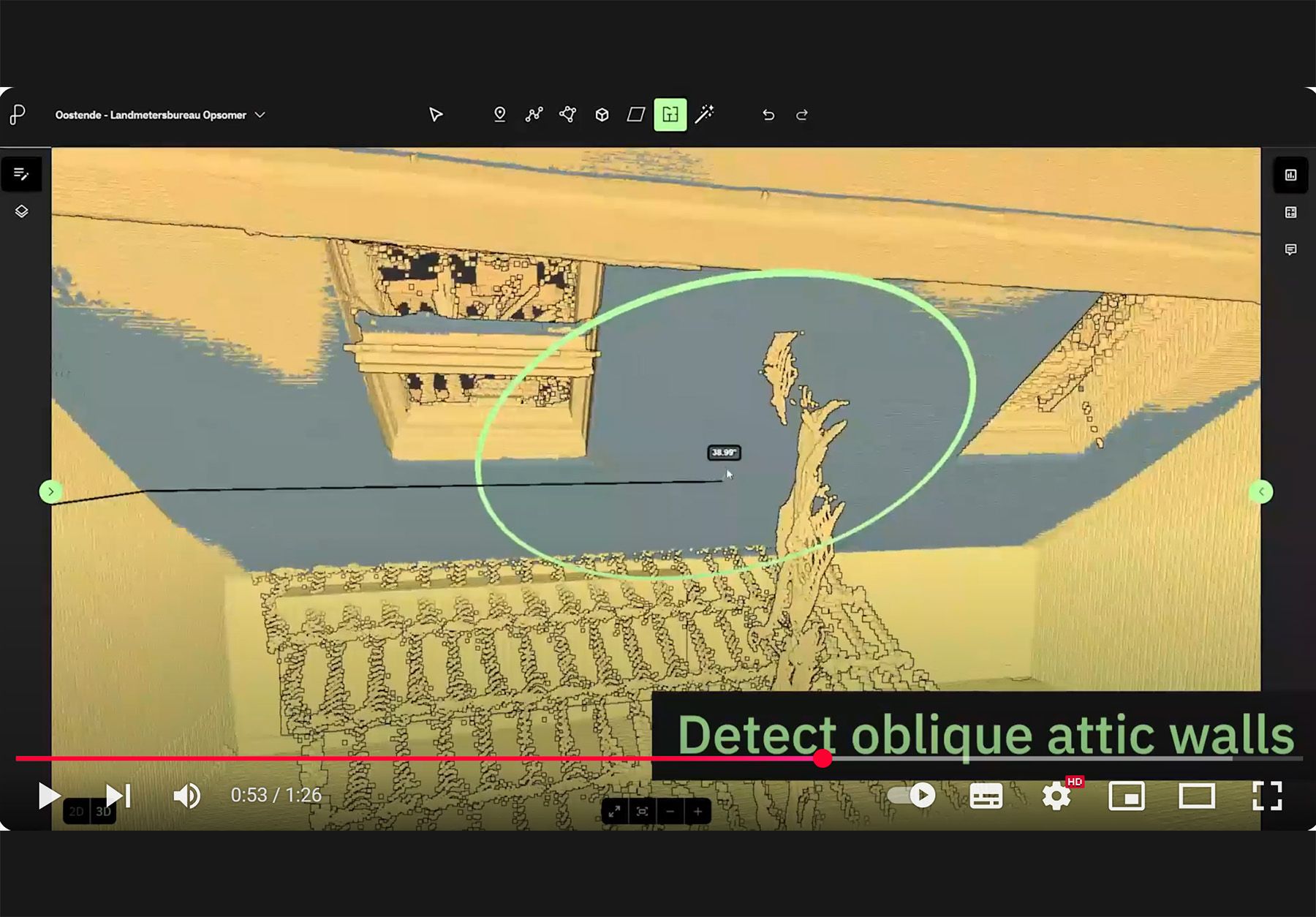
Each tutorial is clear, practical and actionable. Start exploring below.
Automatically detect floors using Auto Floor mode. Quickly define your building area, generate accurate levels and streamline your workflow.
Manually create floors using Manual Floor mode. Accurately define floor and ceiling levels for precise, controlled modeling.
Create rooms in 2D X-ray view with the Magic Room Tool. Quickly define shapes, refine details and generate accurate room geometries for export.
Create 3D rooms using Magic Room mode. Define shapes directly in 3D, refine results and export accurate room models fast.
New to Pointorama? This quick tutorial walks you through the essential navigation tools to help you move around your 3D environment with confidence.

Need clean surfaces to build or align your floor plan? This video shows you how to place planes on floors, walls and any surface within your point cloud — using three different methods.

Take precise measurements in just a few clicks using only the line tool — simple, efficient and perfect for clean 2D or 3D work.
Measure accurately by combining the line tool with a single reference plane — ideal for clean, consistent results in 3D environments or point cloud data.
Measure between surfaces using the line tool with two planes — one vertical, one horizontal — for precise 3D measurements across walls, floors or complex geometries.
Put the tutorials into practice. Start a free trial and turn your scans into precise floor plans today.