AI door & window detection
Detect openings automatically, refine them with confidence. Doors and windows are detected in your point cloud and placed as editable, parametric openings.
Full feature access — no credit card required
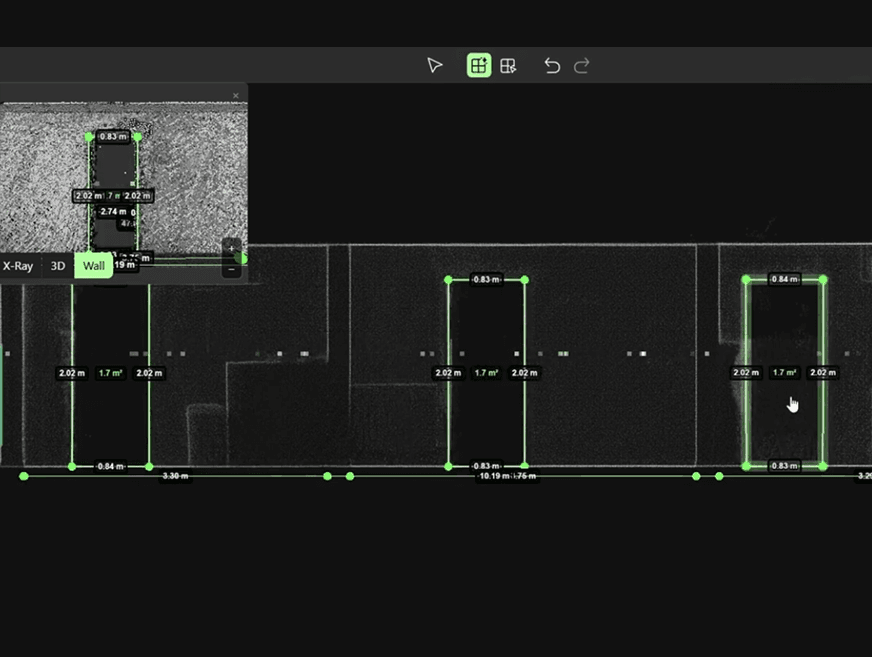
Openings, detected and placed for you
Pointorama uses AI to detect doors and windows directly from your point cloud. It places them as editable, parametric openings within the reconstructed building layout. This makes your floor plans, sections and BIM models more complete from the start.
Detection you stay in control of
- 01
Detect
AI finds doors and windows in the scan and places them as parametric openings.
- 02
Review
Check every detection against the original point cloud.
- 03
Validate
Adjust door and windows where needed and validate them before generating floor plans, sections or BIM models.
Less manual work, more accuracy
- AI-assisted door detection
- Editable parametric openings
- AI-assisted window detection
- Validation against the original scan
- Faster floor plan creation
- Reduced manual annotation
Hours of drafting, done for you
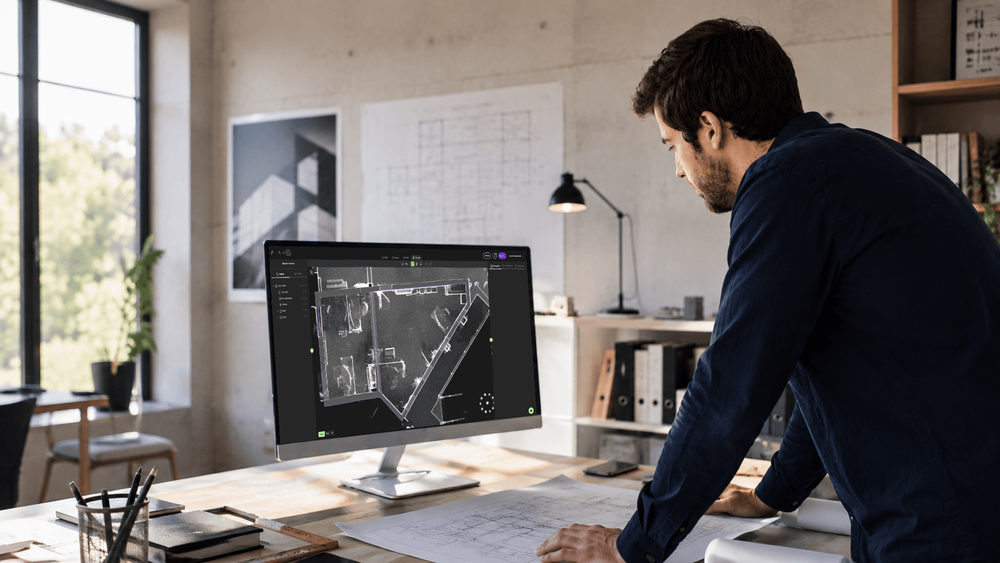
Automating door and window detection saves hours of manual drafting while improving the completeness and consistency of your building documentation. The result is a faster workflow with less manual annotation and more accurate, consistent results.
Tutorials for this workflow
Navigation
New to Pointorama? In this quick tutorial, we'll walk you through the essential navigation tools to help you explore your 3D environment with confidence.
Manual Floor Detection
Learn how to manually create floors using Manual Floor mode. Accurately define floor and ceiling levels for precise and controlled modeling.
Magic Room Detection – 3D Mode
Learn how to create 3D rooms using Magic Room mode. Define shapes directly in 3D, refine results, and export accurate room models fast.
Let AI place the openings in your next floor plan
Start a free trial and create more complete floor plans in a fraction of the time. No credit card required.